Client Login

Webmail Solutions

from Clarity Connect

You can access your e-mail from any Internet enabled computer and/or quickly configure your computer do download your e-mail to Outlook or other major e-mail client.

Checking your e-mail online

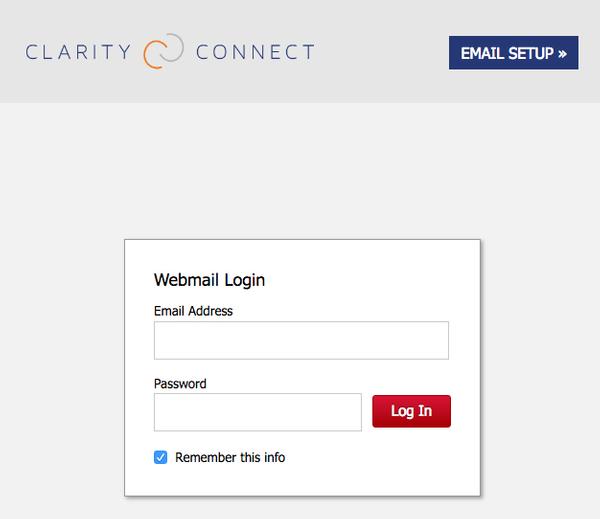
Once we have created your e-mail, you can access it at http://yourdomain.com. Replace the "yourdomain.com" with your webmail address. Do NOT include 'www' when you are entering your domain.

Change your password

We use 'changeme' as the password for all new e-mail accounts. After logging in, you can change the password to one of your choice. Be sure to write your password down and store it in a secure place. If you use Outlook or another e-mail client, you will need to make sure you use the same password when you configure your e-mail client.

Configuring Outlook or other E-mail Client

Click on any the appropriate link below to access the directions to configure your e-mail client. Be sure to follow the instructions EXACTLY.

Icon for pdf
Icon for pdf
Icon for pdf
Icon for pdf
Icon for pdf
Icon for pdf
Icon for pdf
System requirements: Adobe Acrobat
As of: Aug 29, 2007
Icon for pdf
System requirements: Adobe Acrobat
As of: Aug 29, 2007
Icon for pdf
As of: Aug 29, 2007
Icon for pdf
System requirements: Adobe Acrobat
As of: Sep 05, 2007
Icon for pdf
System requirements: Adobe Acrobat
As of: Aug 29, 2007
Icon for pdf
System requirements: Adobe Acrobat
As of: Aug 29, 2007
Calendar Customer Support Contact Us Home